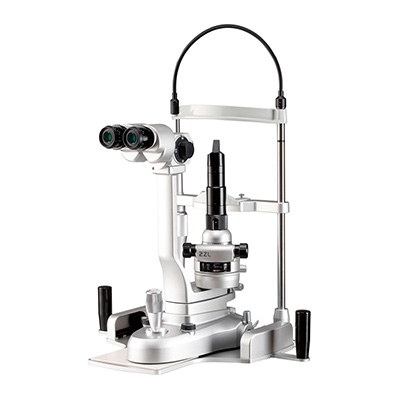
Serving Your Vision
Digital Camera/Imaging Software
*This product is an optional accessory used in conjunction with a slit lamp and is not a medical device on its own.
Digital Camera/Imaging Software
*This product is an optional accessory used in conjunction with a slit lamp and is not a medical device on its own.
| Model Names | Manufacturer |
|---|---|
| TSC1 / Digital Camera | Takagi Seiko Co., Ltd. |
| RecOrb / Imaging Software | Takagi Seiko Co., Ltd. |
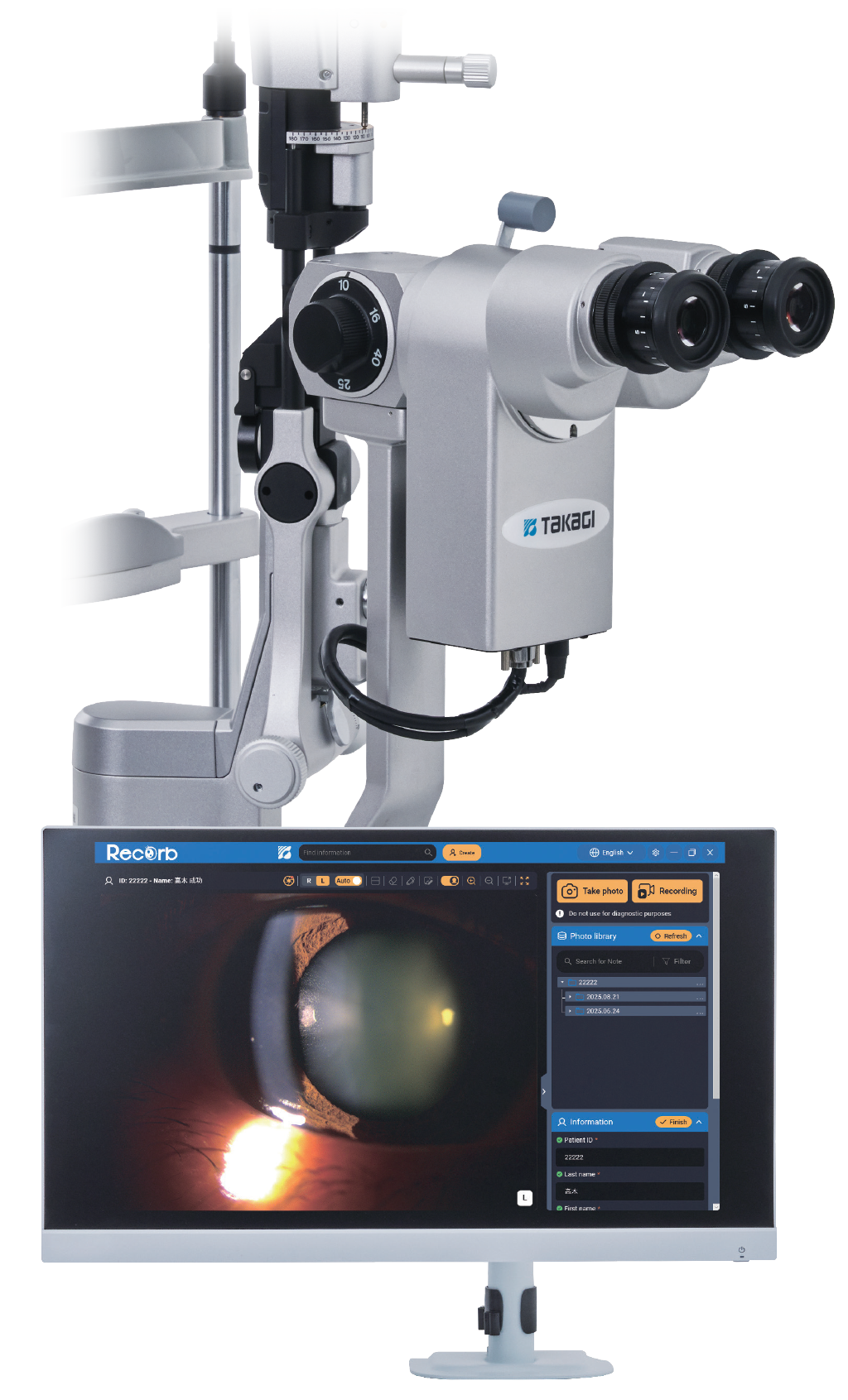
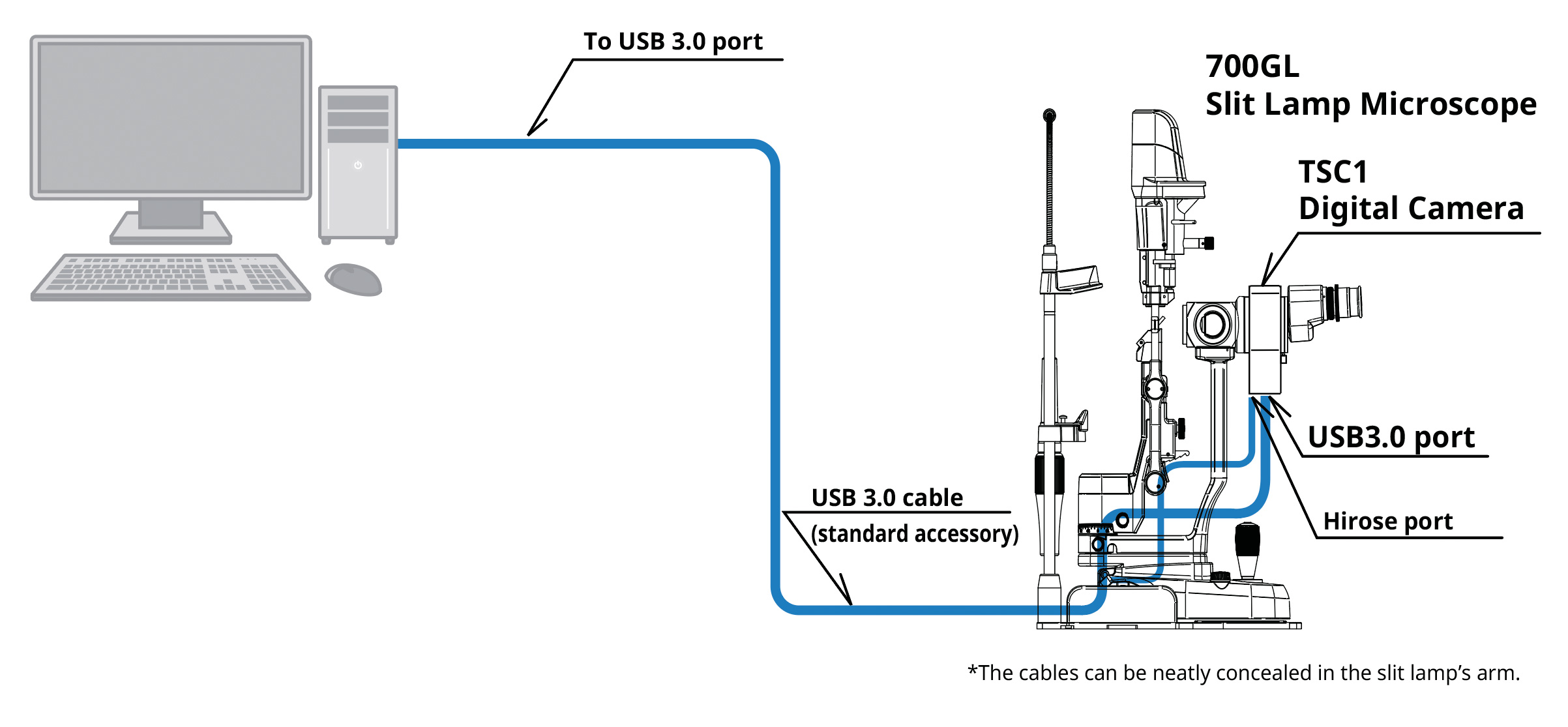
A digital imaging system designed based on the needs of ophthalmic practice.
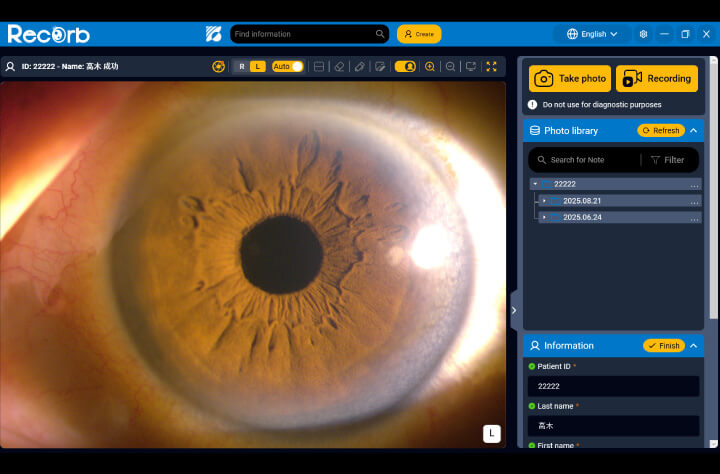
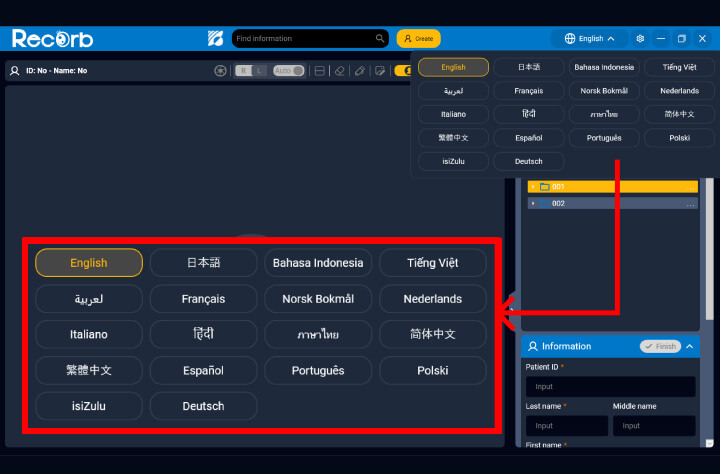
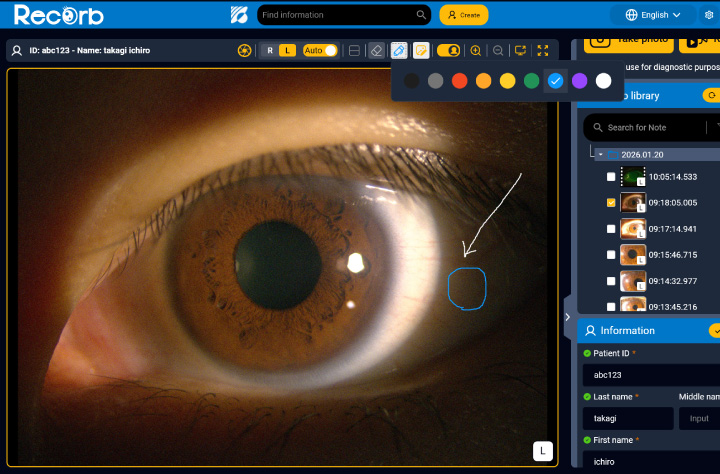
RecOrb software, designed exclusively for the TSC1, features an intuitive screen layout and high-resolution still image/Full HD video capture. It supports image acquisition during examinations and facilitates patient communication.
Auto exposure and colour tone adjustment functions are designed to enhance visibility in high-contrast areas and aid information capture during observation.
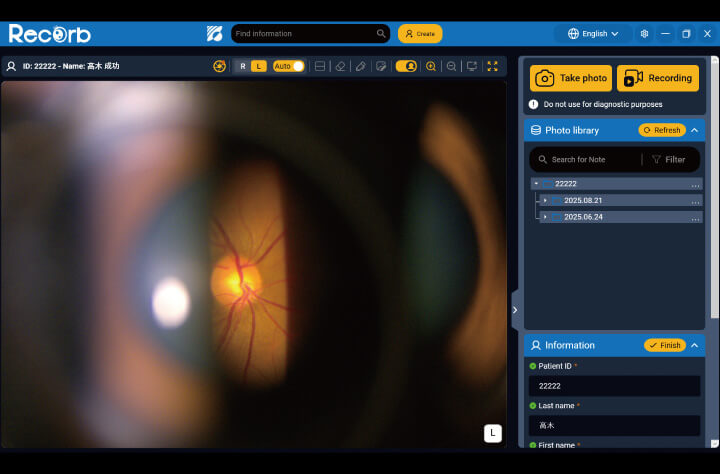
Brightness is automatically adjusted according to illumination conditions to facilitate image capture.
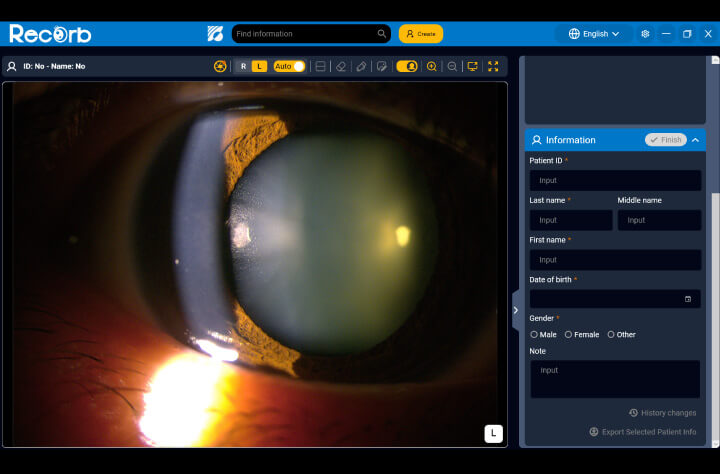
Hue, saturation, and brightness can be adjusted while viewing the live image. Gain, white balance, and exposure time can also be adjusted automatically, with a design focused on ease of viewing and comparison.
An intuitive GUI design and on-screen guidance help users quickly understand operating procedures and enable high-definition recording.
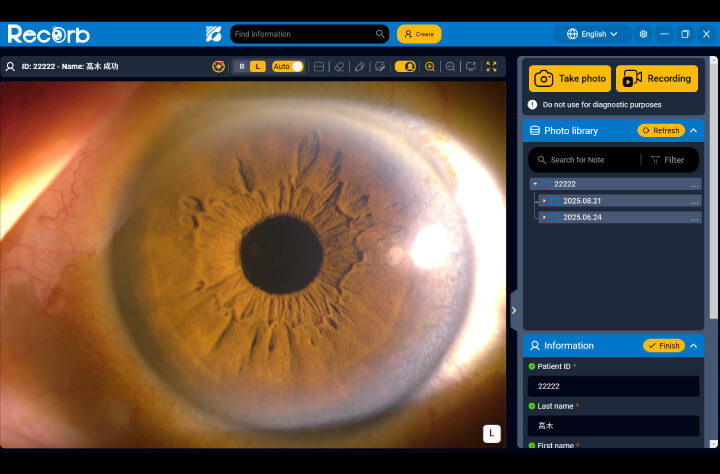
The visually organised screen layout allows for intuitive operation.

Guidance is displayed at application startup to support smooth operation.

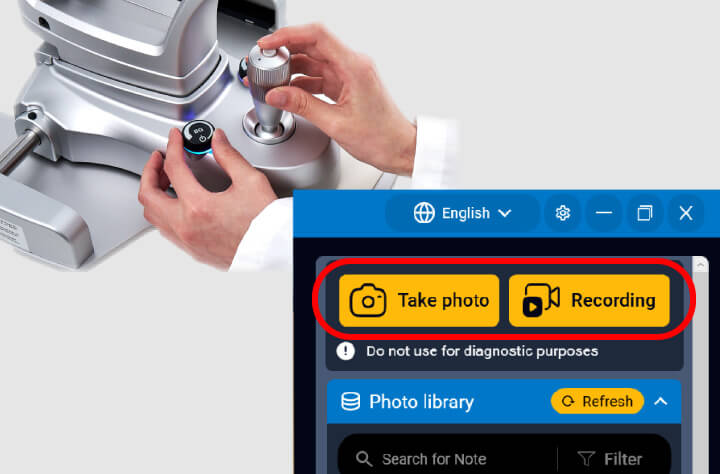
High-resolution still images and Full HD video can be captured smoothly using the joystick trigger button, enabling easy operation during examinations.
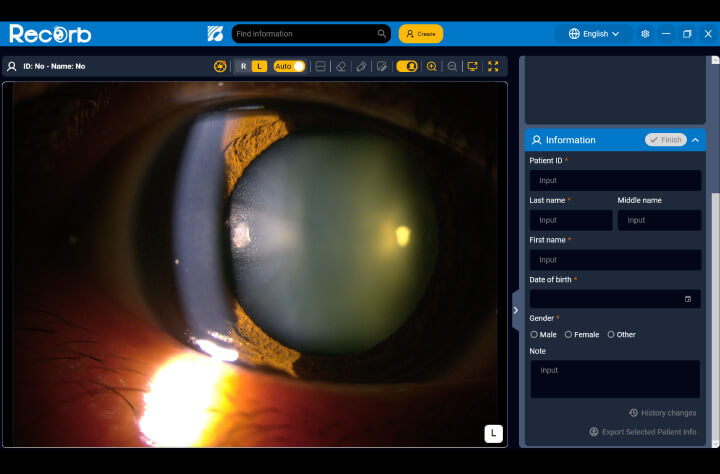
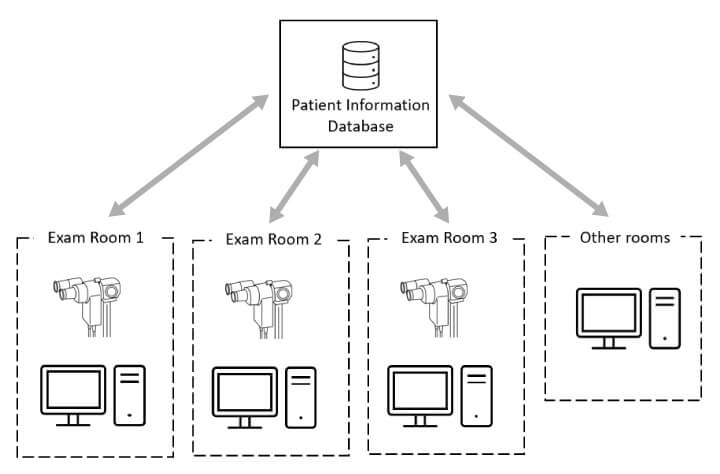
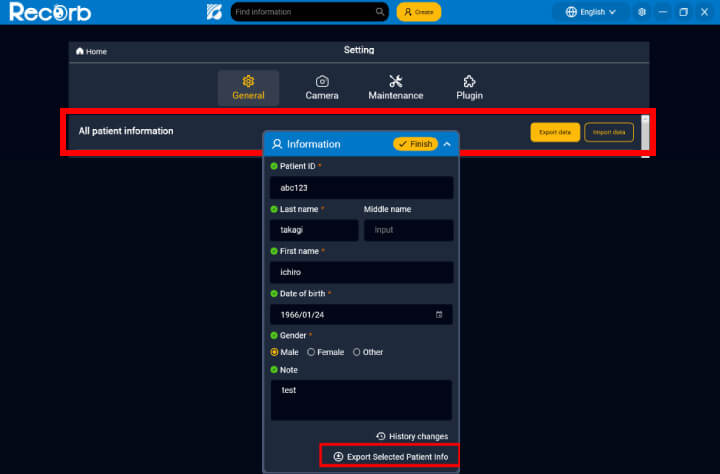
Designed with consideration for image display and patient information management, it supports a clinical environment that enables clear patient communication and efficient information review.
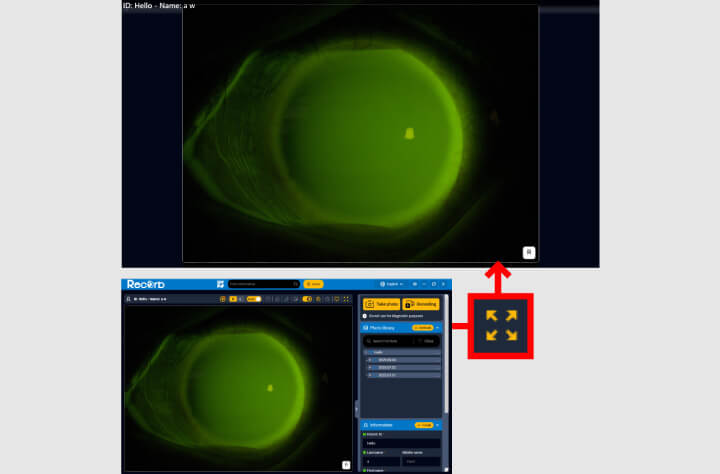
Captured still images and videos can be clearly displayed on a patient-facing monitor, facilitating confirmation and explanation during examinations.
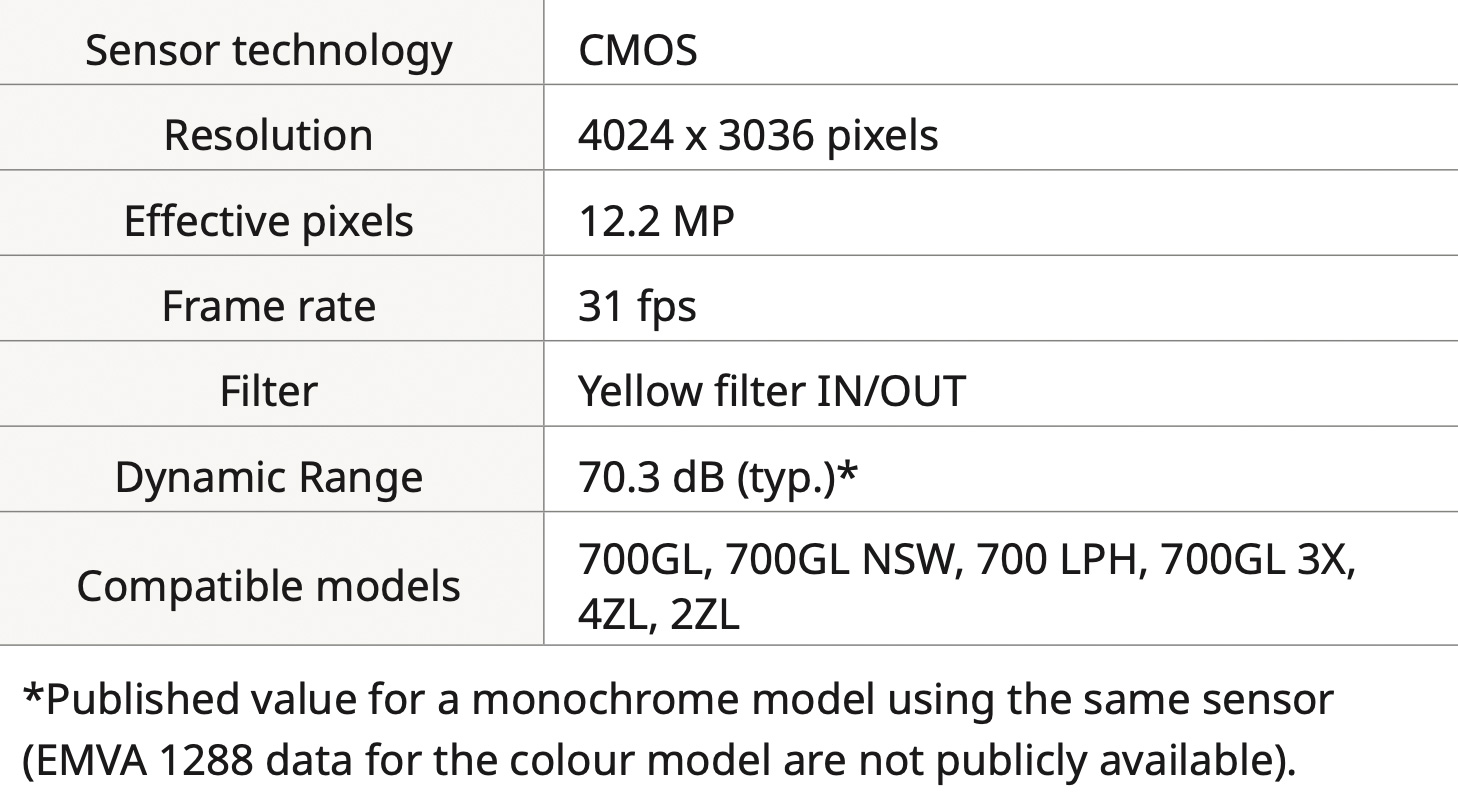
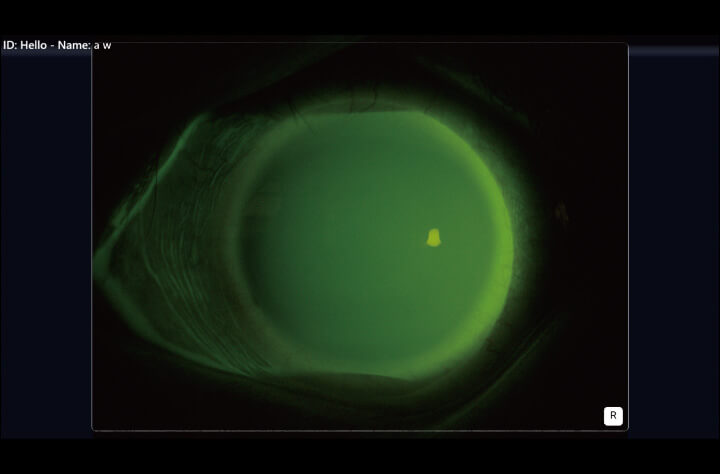
The camera is equipped with a yellow filter as standard, convenient for fluorescence observation.

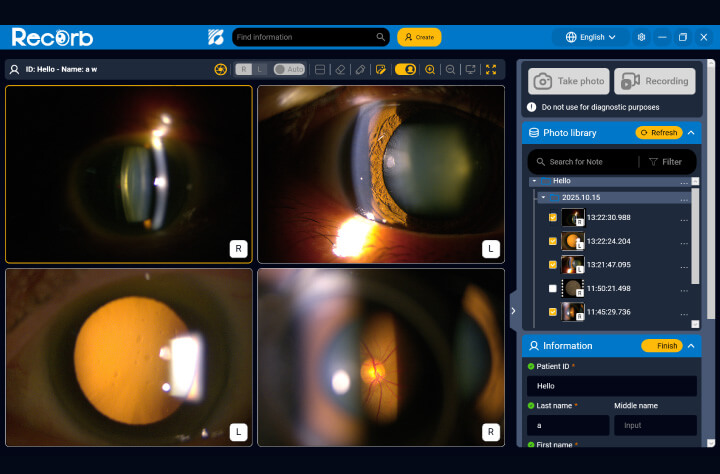
Up to four recorded still images or videos can be displayed simultaneously, enabling easy comparison for follow-up and evaluation.
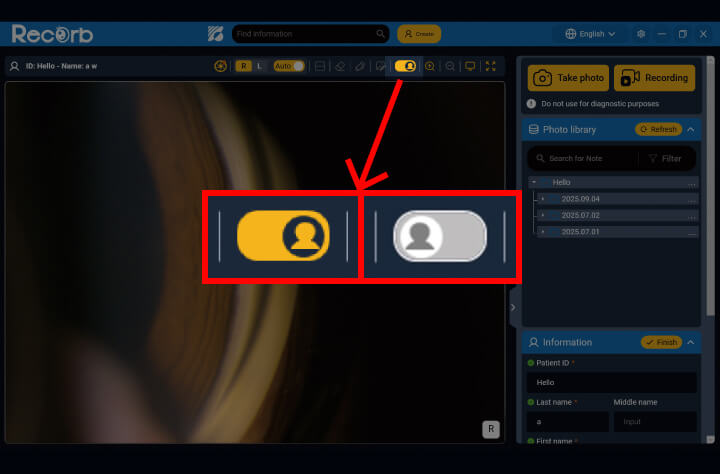
The patient privacy guard displays only the relevant patient information, helping prevent accidental disclosure of other patients’ data and reducing the risk of incorrect explanations.
The Patient privacy guard can be turned on or off with a single click.

Designed exclusively for the TSC1, RecOrb software features auto-exposure and color-tone adjustment for high-resolution media, offering an intuitive, on-screen guided GUI with built-in annotation tools
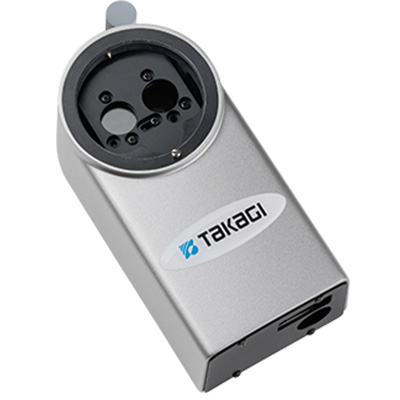
Equipped with a 12.4 megapixel high-resolution camera. An Auto Exposure function enables you to capture images optimized to lighting condition. Yellow filter fitted as standard.

Beam Splitter with integrated yellow filter, for Canon digital SLR cameras, available with or without EyeCam software
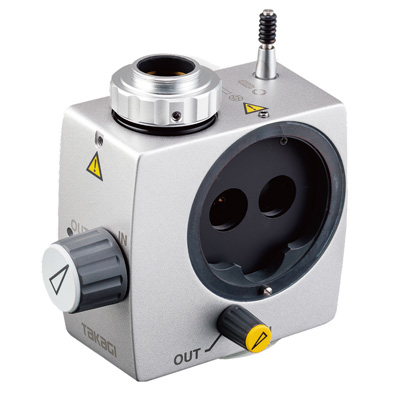
Beam splitter with integrated yellow filter, for mounting CMOS or CCD C-Mount cameras
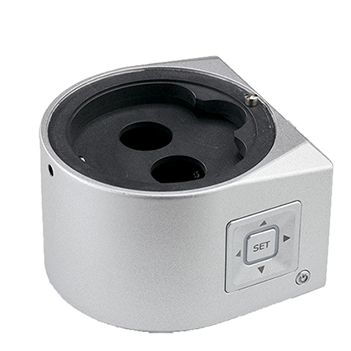
All-in-One CMOS Full HD Microscope Imaging System providing a Sharp, High-Definition Live View
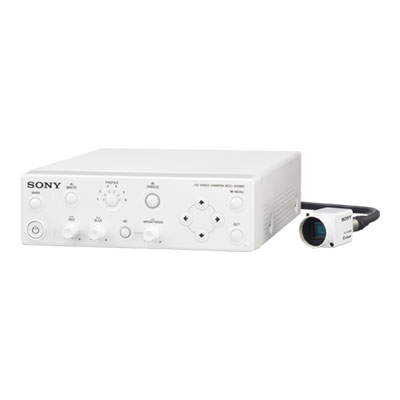
Full HD and above, a range of imaging systems to suit every application
 Home
Home Distributors Login